
Website Content
Homepage
Keep the front door of the website fresh, from the hero message to featured services and promotions.
The homepage is edited in Homes. It is the most-seen page on the site, and it supports drafts and live preview like other pages, so preview generously.
Update the homepage
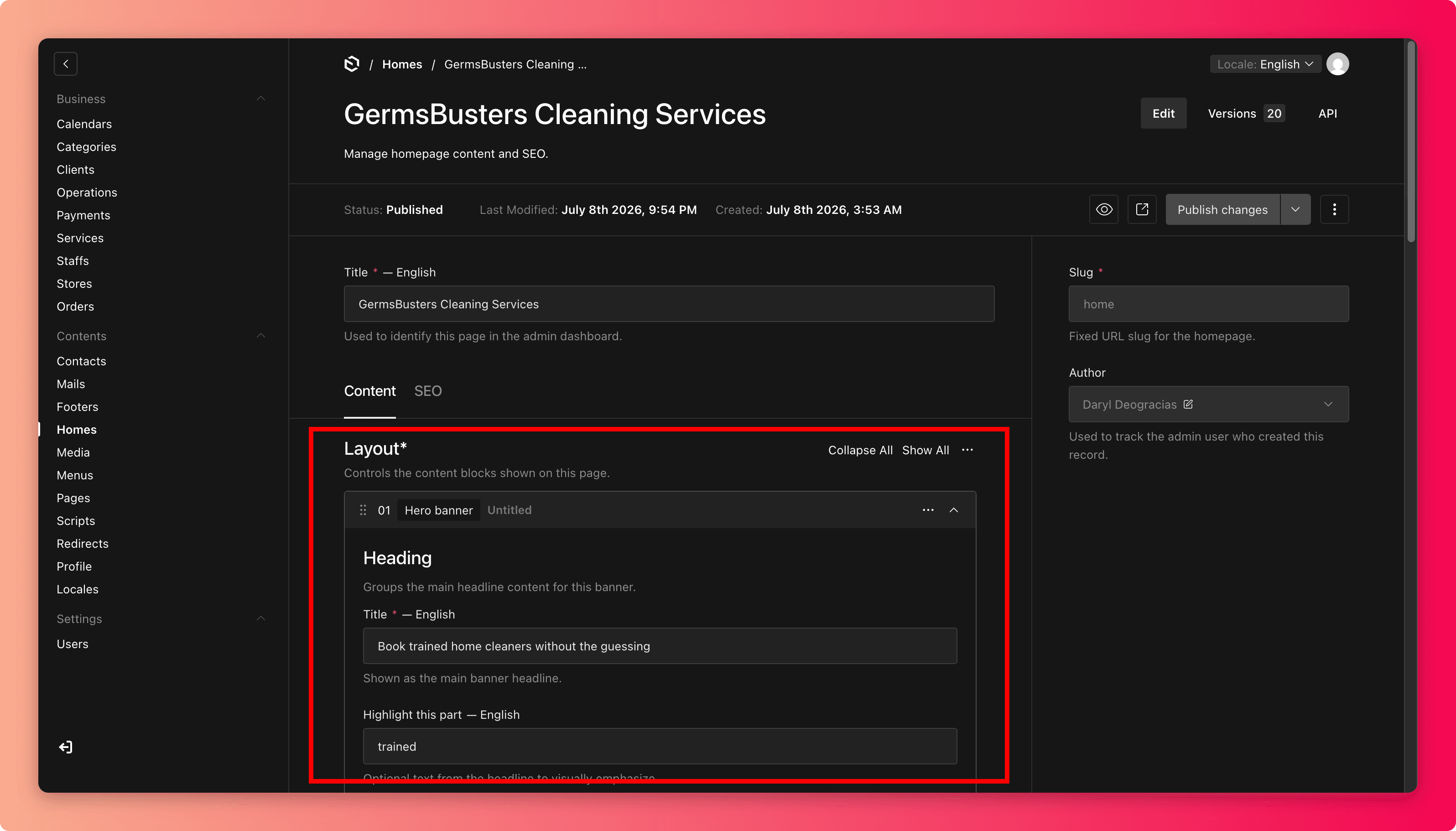
Open Homes and open the homepage. Review the current hero, featured sections, and buttons before changing anything.
Make your edit: the headline, image, featured service, or button.
Click every button in the preview. Each should lead to a live page, service, or the booking flow, never to something unpublished.
Save draft, preview on desktop and mobile, then Publish. Open the real homepage afterwards.
Keeping the homepage honest
The homepage makes promises the rest of the system has to keep:
- Feature only bookable services. If a featured service is disabled, out of season, or unavailable at every store, customers hit a dead end.
- Give promotions an end date, plus a calendar reminder to take them down. Expired promotions are the most common homepage embarrassment.
- Match reality. Do not advertise hours, locations, or services that Stores and Services cannot back up.
Common mistakes
- Leaving a "Holiday promo!" banner up in February.
- Pointing the main button at a page that was renamed or unpublished.
- Cramming every service onto the homepage. Three clear offers convert better than twelve competing ones.
- Uploading a hero image that looks great on desktop and crops badly on mobile. Always check the mobile preview.