
Website Content
Languages
Choose which languages the website offers and which one visitors see by default.
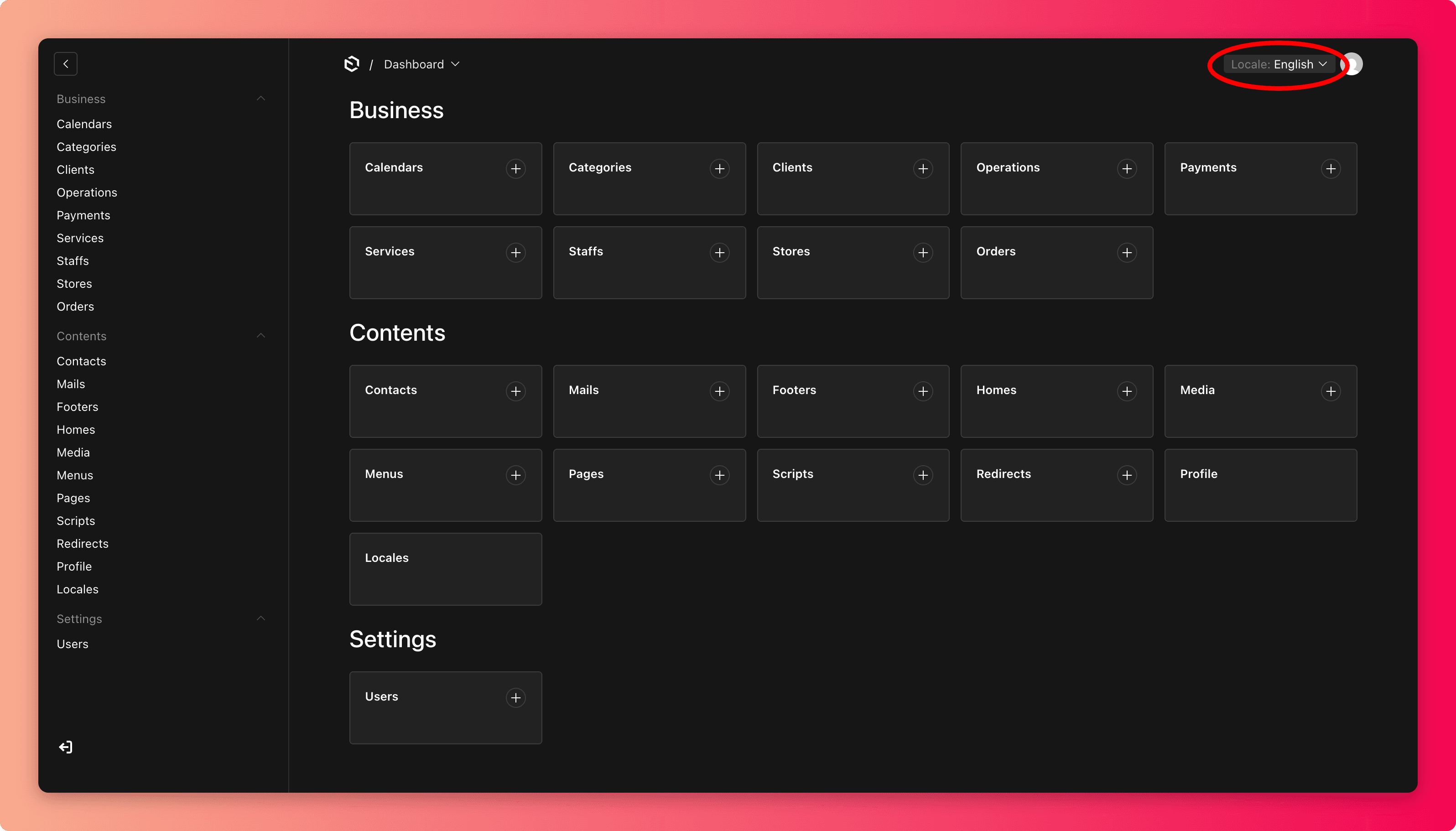
Locales controls the site's languages. Two settings live here:
- Enabled languages are the languages visitors can switch to (English, Filipino, Spanish, and others).
- Default language is what a first-time visitor sees before choosing.
Before enabling a language
Enabling a language offers it to customers immediately, but it does not write the translations for you.
- Only enable a language once its content is actually translated. A "Filipino" option showing English text (or half-finished translations) feels broken.
- When you edit pages, services, and other content, check whether you are editing the right language version. Content areas let you switch which language you are editing.
Every language is a copy to maintain
Each enabled language doubles the content that must be kept accurate. When you change a price mention, a page, or a store detail, remember to update it in every enabled language. Otherwise customers on the other language see the stale version.
Common mistakes
- Enabling a language "to try it" and forgetting it, so customers find empty or English-only pages behind it.
- Updating content in one language and not the others after a price or policy change.
- Changing the default language casually. Most visitors see whatever you set here.