
Website Content
Business Info
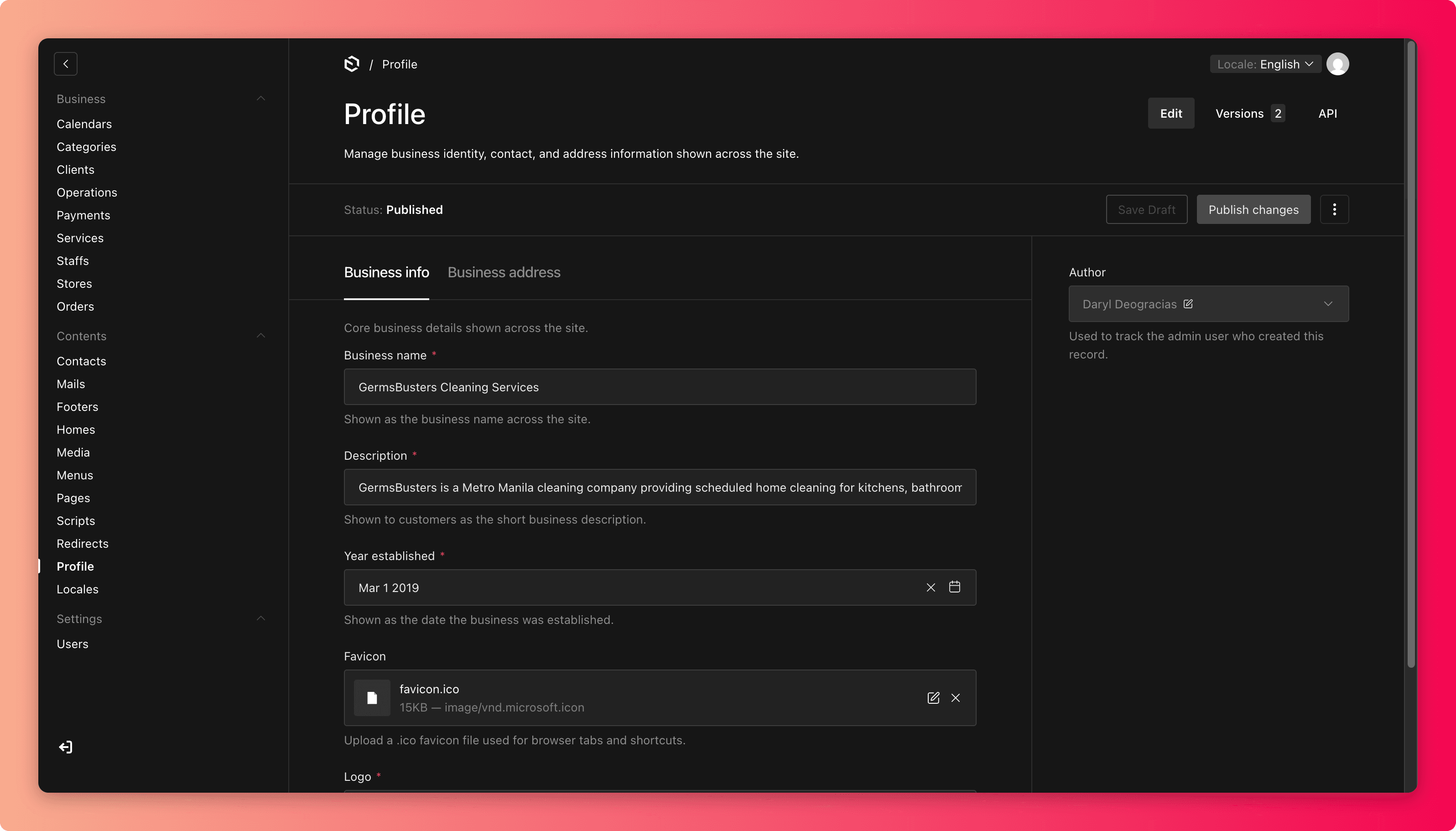
Your public business identity, including the name, logo, address, and the contact details customers use to reach you.
Two areas hold your public business details, and both feed content all over the site:
- Profile holds the business name, description, year established, logo, favicon (the little icon in the browser tab), and the main business address.
- Contacts holds the public phone numbers and email addresses customers use to reach you.
This information appears on the homepage, contact page, footer, store pages, and in customer emails, so a single wrong digit travels far.
Updating Profile
- The business name and logo appear across the whole site and in emails. Change them only as part of a deliberate rebrand.
- The business description should say what you do, for whom, and where, in customer language. It often shows up in search results.
- The business address here is the company's main address. Individual branch addresses live in Stores, so keep the two consistent.
Updating Contacts
Before publishing a contact change:
- Dial the number and email the address yourself. A typo here means silently lost customers. They will not tell you the phone number is wrong; they just leave.
- Confirm someone actually monitors the inbox or line you are publishing.
- Label each contact so customers know what it is for ("Bookings", "Support").
- Never publish a personal mobile number or private staff email as a business contact.
Common mistakes
- Updating the phone number in Contacts but leaving the old number on a store page or in page copy. Search the site for the old number after changing it.
- Publishing an inbox nobody checks, which is worse than no inbox at all.
- Letting the business description drift out of date after services or locations change.