
Daily Operations
Staff
Manage staff profiles and availability so bookings only offer times your team can actually work.
Staffs holds the people who perform your services. Staff availability feeds directly into booking: if a staff member is off, the times they would have covered may disappear from what customers can book.
Staff vs. Users
Staffs are workers who appear on schedules and get assigned to orders. Users are admin accounts that can sign in to this system. A person can be both, but they are managed in different places. Admin access is covered in Team Access.
What a staff record contains
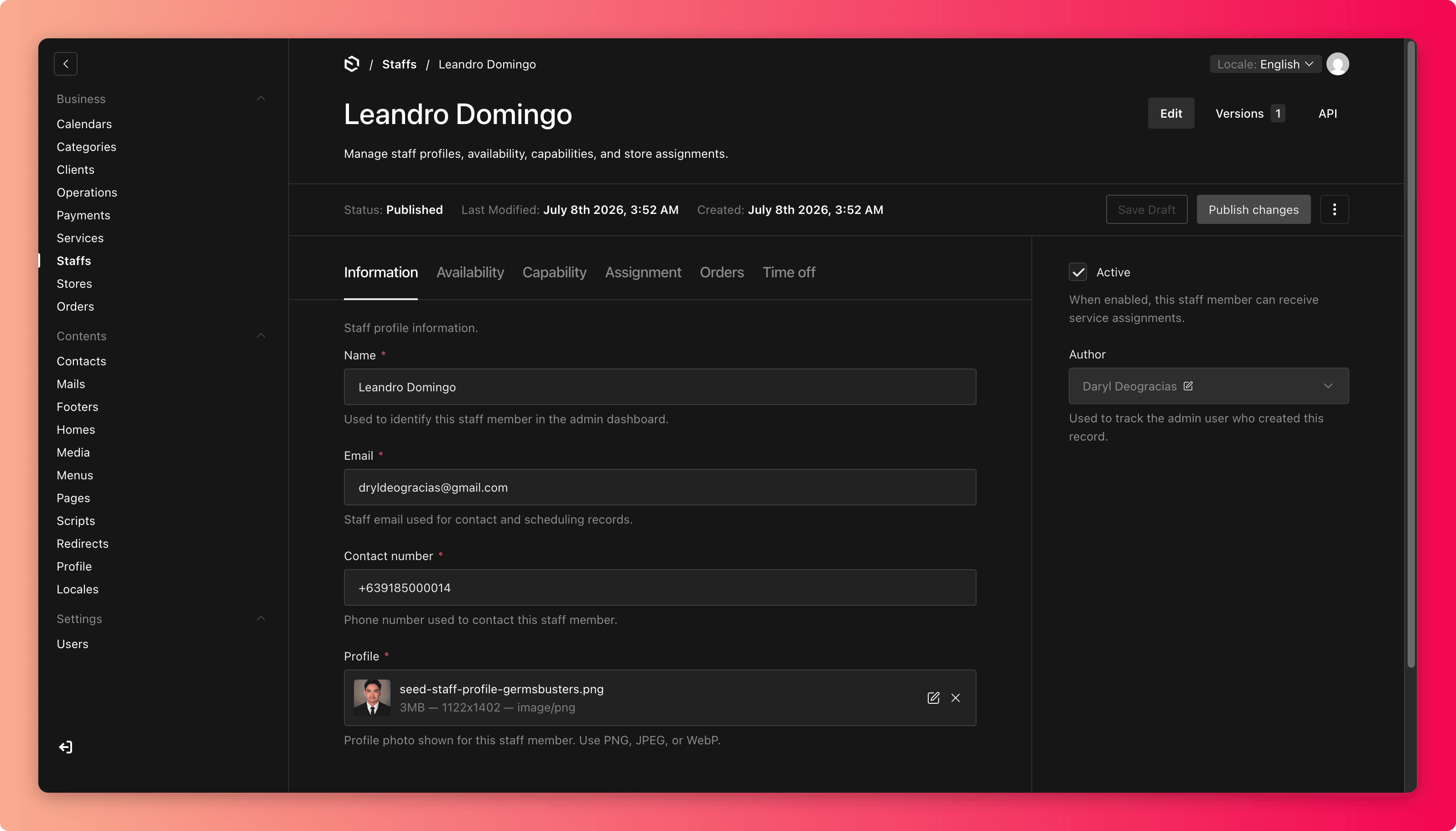
- Information holds the name, email, contact number, and profile photo.
- Availability holds weekly days off (for example, every Monday) and any other time windows when this person is not available for work.
Updating availability
Use availability for the pattern of someone's schedule, meaning their regular days off. For one-off situations:
- If a staff member is sick or on leave, add the specific dates to their availability so booking stops offering their slots.
- If the whole store closes (holiday, renovation), that belongs in Calendars, not in individual staff records.
Before changing availability
- Check Today's Schedule and Active Work on the dashboard. Does this person have upcoming assigned orders? Reassign those first.
- Remember that removing availability can silently remove booking slots customers were about to pick.
Common mistakes
- Marking someone off without reassigning their existing orders, leaving bookings with no one responsible.
- Using staff days-off to close a whole store. Future staff members will not inherit it, and it is invisible to whoever manages the calendar.
- Deleting a staff member who has order history. If someone leaves, keep the record and remove their availability instead.