
Team Access
Invite team members to the admin and choose the right access level for each person.
Users (in the Settings group) holds the accounts that can sign in to this admin. Every person gets their own account. Never share sign-ins.
Access levels
| Level | Right for | Can do |
|---|---|---|
| Admin | Owners and managers | Manage everything in this guide, including inviting users |
| Staff | Team members handling day-to-day work | Work with operational records without full management control |
| Application | Nobody. It exists for the system. | Used by the website itself to operate. Do not assign it to people. |
The guiding rule: give the least access that lets the person do their job. You can always raise it later. Walking access back is more awkward.
Invite a team member
Open Users and create a new user with the person's work email, name, and contact details.
Choose the access level. Staff is right for most team members.
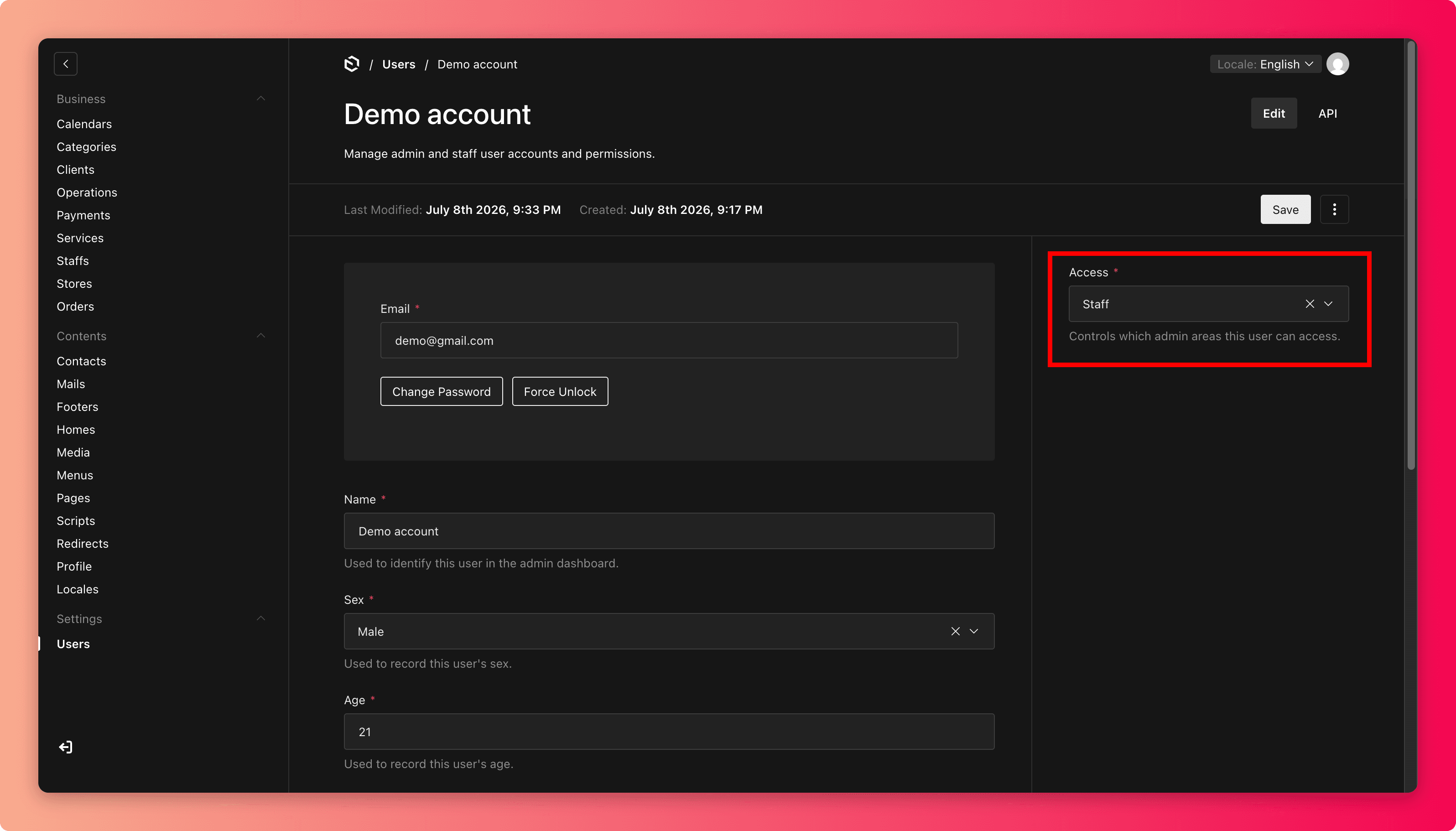
Save. The person receives an invitation email (its subject line lives in Emails) and sets their own password.
When someone leaves
Remove their access the same day. It is the single most forgotten security task in any business. A former employee with a working admin sign-in is a risk no checklist ever catches later.
Also review Staffs if they performed services, so booking stops scheduling them.
Common mistakes
- Making everyone Admin "to keep it simple". One compromised or careless account can then change anything.
- Inviting a personal email address instead of a work one.
- Sharing one account between shift workers, which loses any record of who changed what.
- Assigning the Application level to a person. It exists for the system, not for people.