
Daily Operations
The Operations Dashboard
Your day-to-day home. See what needs attention, what's booked today, and who is working on what.
Operations (in the Business group of the sidebar) is where most days should start. It is a read-only dashboard: nothing here edits anything, so you can click around freely.
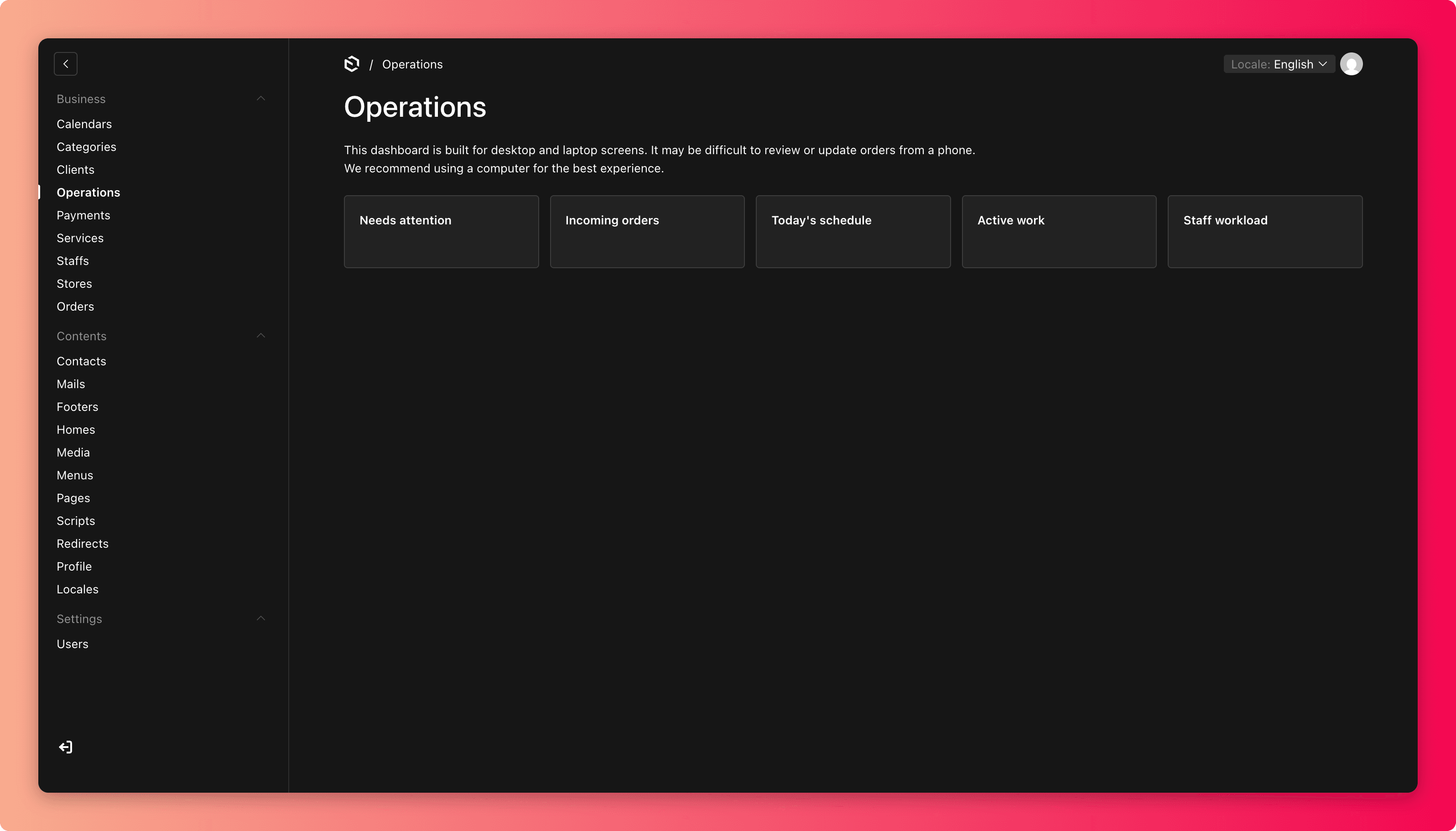
The views
| View | What it shows | Use it to |
|---|---|---|
| Needs Attention | Orders or records that are stuck, overdue, or waiting on a decision | Clear problems before they reach customers |
| Incoming Orders | New bookings that just arrived | Accept and schedule new work |
| Today's Schedule | Everything booked for today | Brief the team each morning |
| Active Work | Orders currently in progress | See what is mid-service right now |
| Staff Workload | How work is spread across your staff | Spot who is overloaded or free before assigning |
A suggested daily routine
- Open Needs Attention and resolve anything flagged.
- Check Incoming Orders and schedule new bookings (see Orders).
- Glance at Today's Schedule so nothing is a surprise.
- During the day, use Active Work and Staff Workload to keep things moving.